
PESCO Bill Check Online
Enter your 14-digit PESCO Reference Number to check your electricity bill.
PESCO Bill Check Online 2026
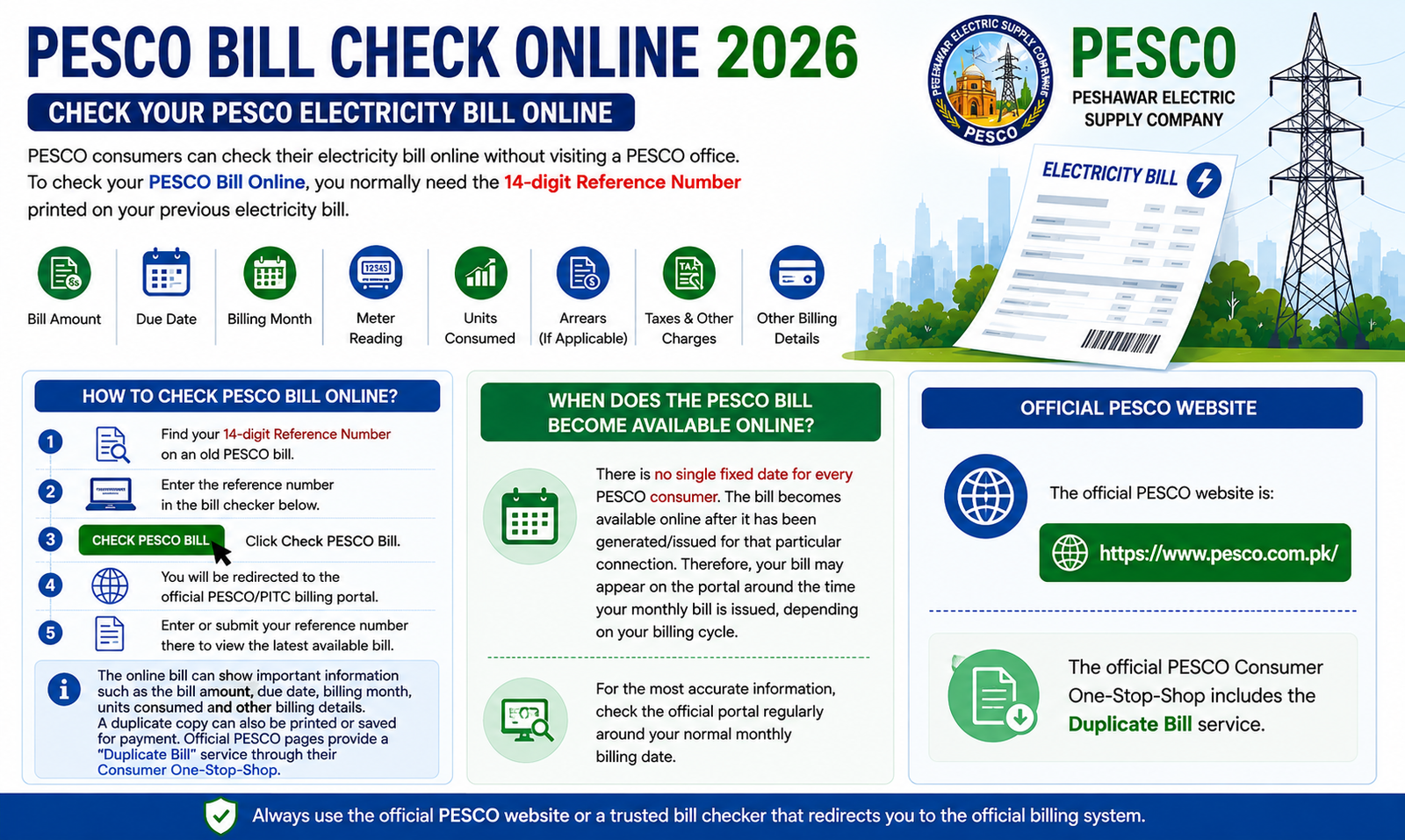
PESCO consumers can check their electricity bill online without visiting a PESCO office. To check your PESCO Bill Online, you normally need the 14-digit Reference Number printed on your previous electricity bill.
How to Check PESCO Bill Online?
Checking your PESCO bill is simple:
- Find your 14-digit Reference Number on an old PESCO bill.
- Enter the reference number in the bill checker below.
- Click Check PESCO Bill.
- You will be redirected to the official PESCO/PITC billing portal.
- Enter or submit your reference number there to view the latest available bill.
The online bill can show important information such as the bill amount, due date, billing month, units consumed and other billing details. A duplicate copy can also be printed or saved for payment. Official PESCO pages provide a “Duplicate Bill” service through their Consumer One-Stop-Shop.
When Does the PESCO Bill Become Available Online?
There is no single fixed date for every PESCO consumer. The bill becomes available online after it has been generated/issued for that particular connection. Therefore, your bill may appear on the portal around the time your monthly bill is issued, depending on your billing cycle.
For the most accurate information, check the official portal regularly around your normal monthly billing date.
Official PESCO Website
The official PESCO website is:
The official PESCO Consumer One-Stop-Shop includes the Duplicate Bill service.
Also Read; GEPCO Bill Check Online 2026