
K-Electric Bill Check
Enter your 13-digit KE Account Number to check your bill.
Check KE Bill by Account Number
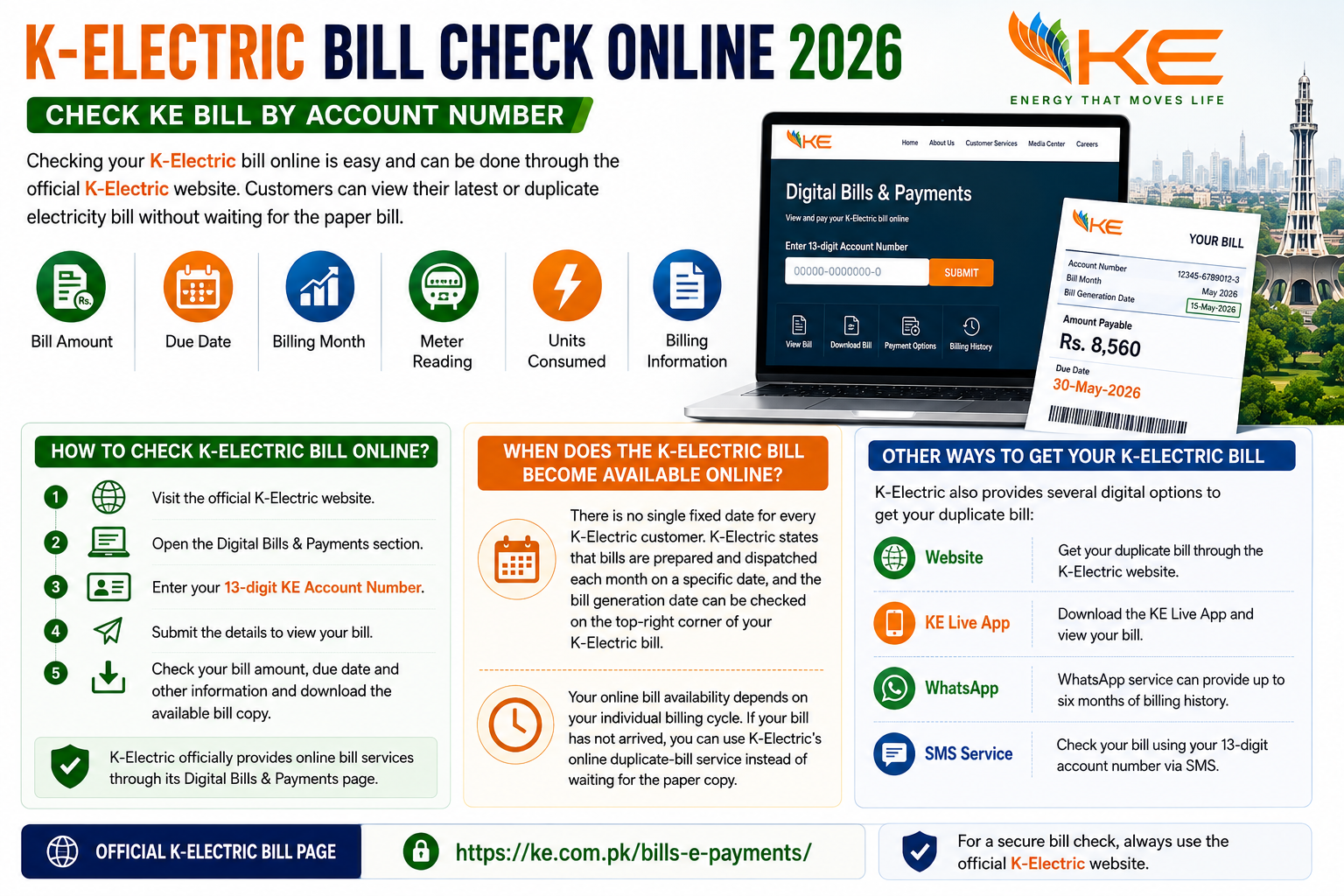
Checking your K-Electric bill online is easy and can be done through the official K-Electric website. Customers can view their latest or duplicate electricity bill without waiting for the paper bill.
How to Check K-Electric Bill Online?
To check your K-Electric bill, follow these simple steps:
- Visit the official K-Electric website.
- Open the Digital Bills & Payments section.
- Enter your 13-digit KE Account Number.
- Submit the details to view your bill.
- You can then check your bill amount, due date and other billing information and download the available bill copy.
K-Electric officially provides online bill services through its Digital Bills & Payments page.
When Does the K-Electric Bill Become Available Online?
There is no single fixed date for every K-Electric customer. K-Electric states that bills are prepared and dispatched each month on a specific date, and the bill generation date can be checked on the top-right corner of your K-Electric bill.
Therefore, your online bill availability depends on your individual billing cycle. If your bill has not arrived, you can use K-Electric’s online duplicate-bill service instead of waiting for the paper copy.
Other Ways to Get Your K-Electric Bill
K-Electric also provides several digital options. Customers can obtain duplicate bills through the K-Electric website, KE Live App, WhatsApp and SMS service. K-Electric’s WhatsApp service can provide up to six months of billing history, while the SMS service allows customers to check their bill using their 13-digit account number.
Official K-Electric Bill Check Website
For a secure bill check, always use the official K-Electric website:
Official K-Electric Bill Page:
https://ke.com.pk/bills-e-payments/
Make sure you enter your account information only on the official K-Electric website.
Also Read; MEPCO Bill Check Online